
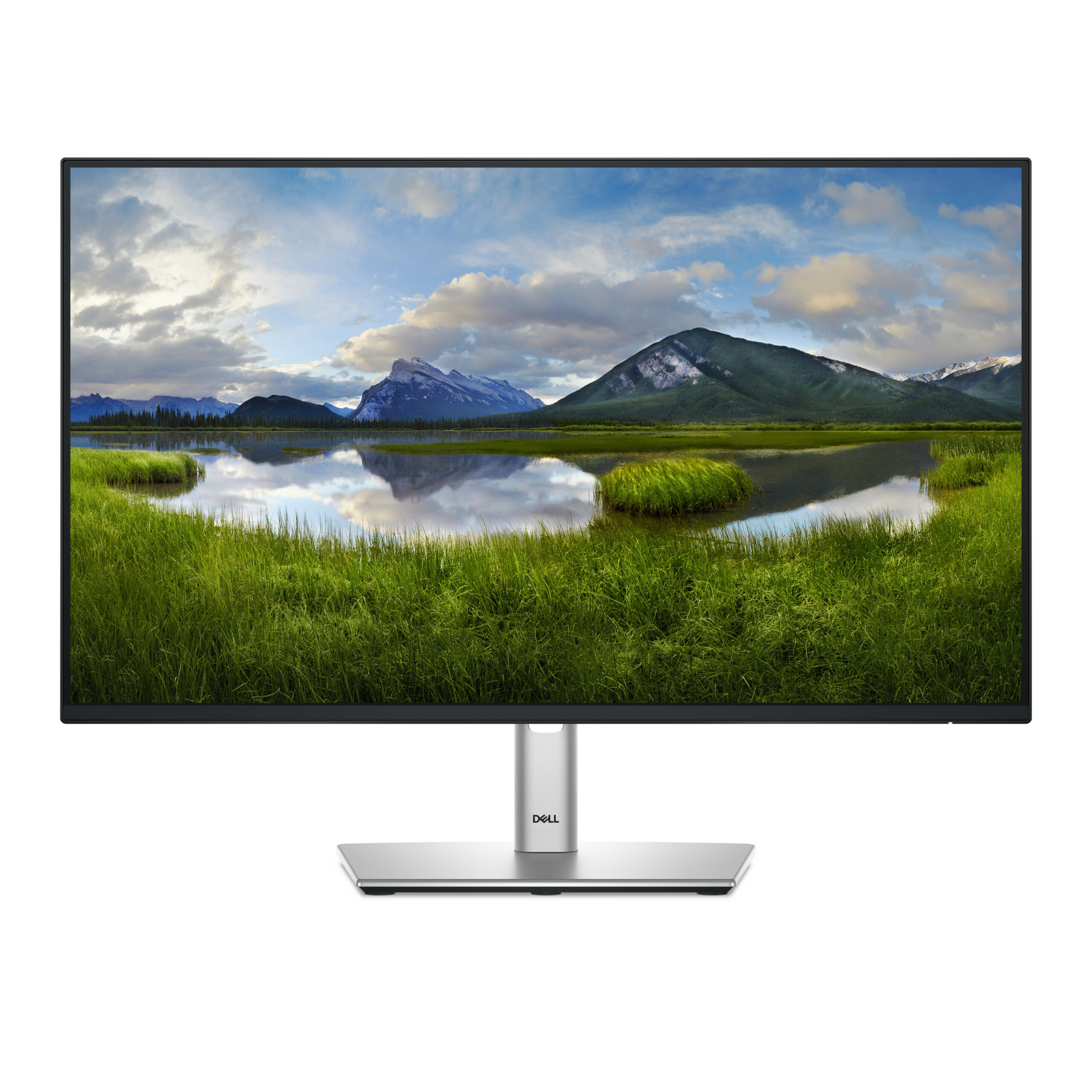
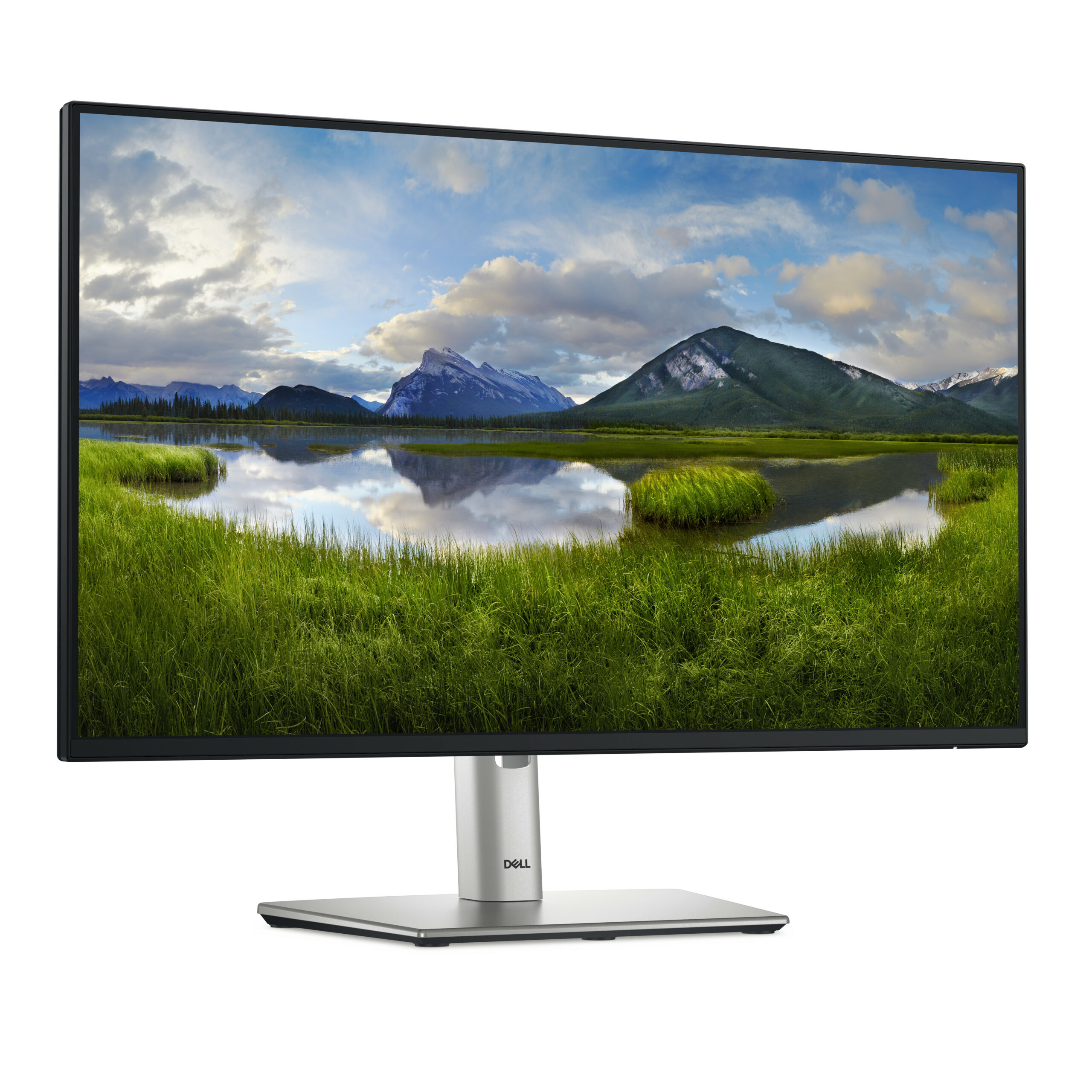
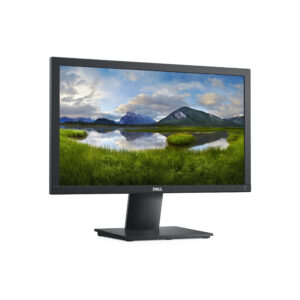
Dell P2425HE 23.8-Inch Full HD USB-C Hub Monitor
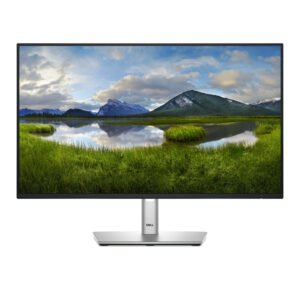
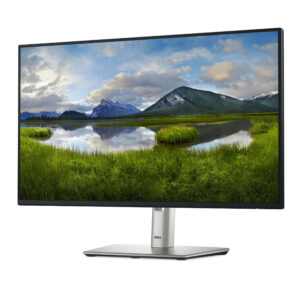
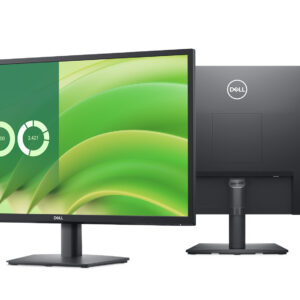
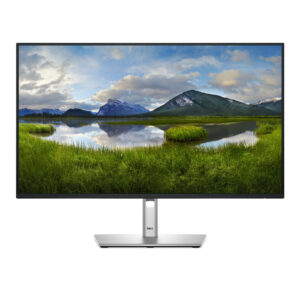
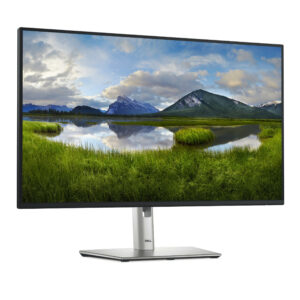
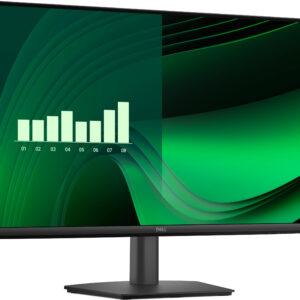
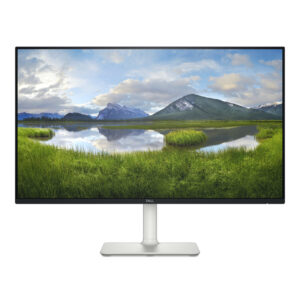
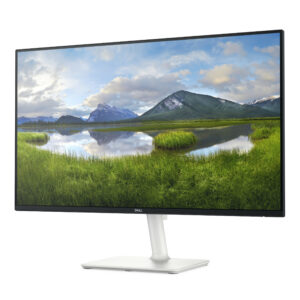
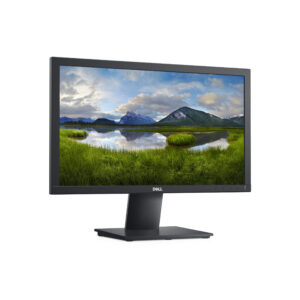
The Dell P2425HE is a feature-rich 23.8-inch professional monitor designed for modern workplaces that demand versatile connectivity, ergonomic flexibility, and colour-accurate performance. Built around an IPS panel with Full HD resolution, this display doubles as a USB-C hub, enabling single-cable laptop connectivity with up to 90W power delivery — reducing desktop clutter and simplifying multi-device workflows. It is an ideal centrepiece for corporate workstations, hybrid work setups, and productivity-driven environments.
Key Specifications
| Specification | Details |
|---|---|
| Model | Dell P2425HE |
| Screen Size | 23.8 inches |
| Panel Type | IPS (In-Plane Switching) |
| Resolution | 1920 × 1080 (Full HD) |
| Aspect Ratio | 16:9 |
| Refresh Rate | 100 Hz |
| Response Time | 5ms (GtG) |
| Brightness | 250 cd/m² |
| Contrast Ratio | 1000:1 (Static) |
| Colour Gamut | 99% sRGB |
| Colour Accuracy | Delta-E < 2 |
| Viewing Angles | 178°(H) / 178°(V) |
| HDR Support | No |
| USB-C (upstream) | USB-C 3.2 Gen 2 — 90W Power Delivery |
| DisplayPort | DP 1.4 (in), DP 1.4 (out — daisy chain) |
| HDMI | HDMI 1.4 |
| USB-A Downstream | 4× USB-A 3.2 Gen 1 |
| USB-C Downstream | 1× USB-C 3.2 Gen 2 |
| RJ-45 Ethernet | Yes (via USB-C upstream) |
| Headphone Out | 3.5mm audio jack |
| VESA Mount | 100 × 100mm |
| Ergonomic Adjustments | Tilt, Swivel, Pivot, Height |
| Certifications | ENERGY STAR, EPEAT Gold, TCO Certified, RoHS |
Accurate IPS Display with 100 Hz Refresh Rate
The P2425HE uses an IPS panel to deliver consistent, wide-angle colour performance essential for professional productivity environments.
- 99% sRGB colour coverage with Delta-E < 2 factory colour accuracy for reliable on-screen colour representation
- 1000:1 contrast ratio for clear distinction between light and dark image elements
- 100 Hz refresh rate provides noticeably smoother motion than standard 60 Hz displays, benefiting video playback and fast document scrolling
- 178°/178° wide viewing angles maintain colour consistency when viewed from off-axis positions
- Anti-glare coating (3H) reduces reflections in bright office environments
USB-C Hub Functionality — Single Cable Docking
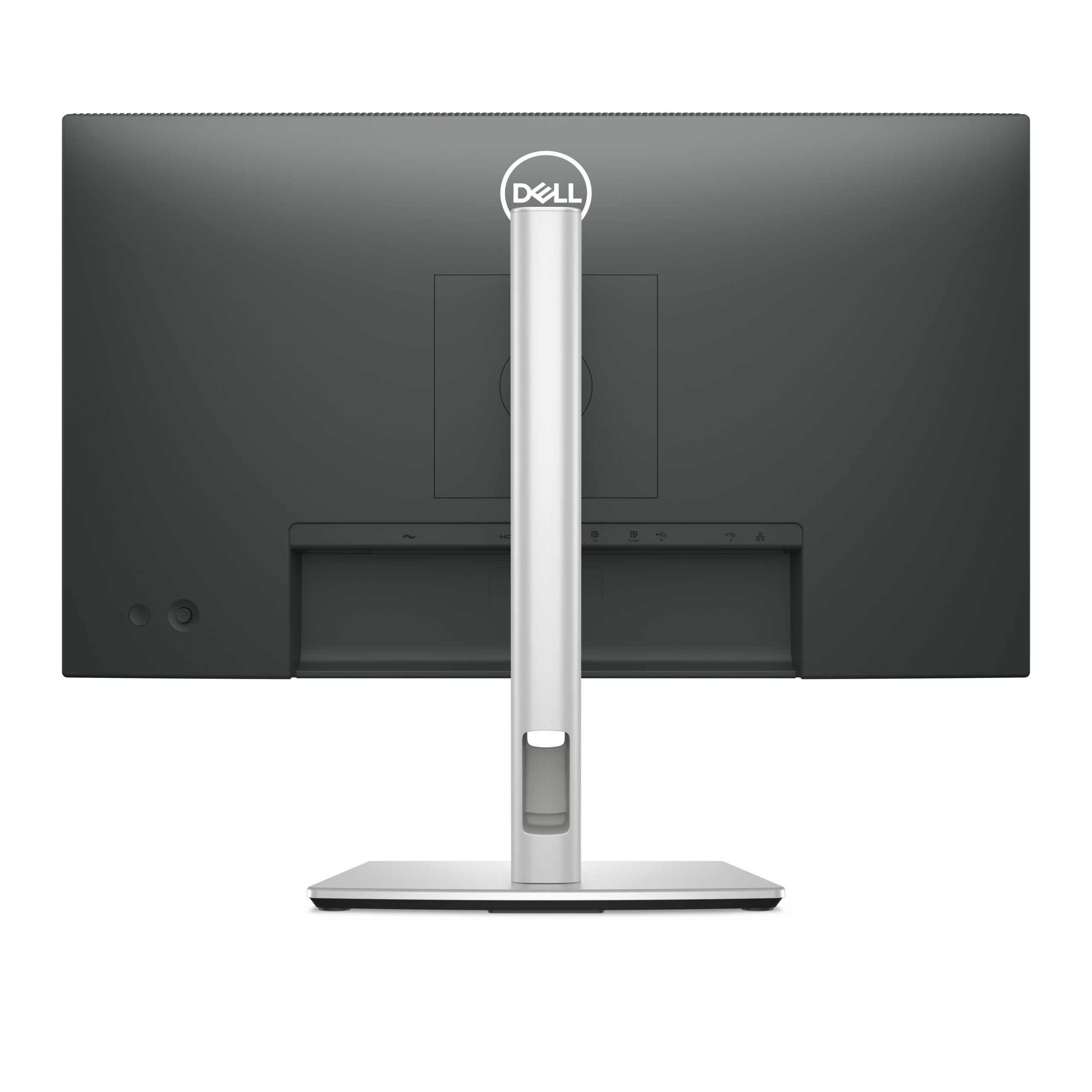
The standout feature of the P2425HE is its integrated USB-C hub, transforming the monitor into a single-cable docking solution for compatible laptops and ultrabooks.
- USB-C 3.2 Gen 2 upstream port delivers up to 90W Power Delivery — charges most business laptops while transmitting video and data over a single cable
- RJ-45 Gigabit Ethernet — wired network access routed directly through the USB-C connection without a separate dock
- 4× USB-A 3.2 Gen 1 downstream ports for keyboards, mice, storage devices, and other peripherals
- 1× USB-C 3.2 Gen 2 downstream port for connecting modern peripherals and accessories
- 3.5mm headphone output for audio peripherals
Daisy Chain Multi-Monitor Support
The P2425HE supports DisplayPort 1.4 daisy chaining, allowing multiple monitors to be connected in series from a single video output on the host device.
- Connect a second P2425HE or compatible monitor via the DisplayPort Out port
- Reduces cable clutter and simplifies multi-display configurations in corporate environments
- Ideal for financial analysts, developers, and content reviewers requiring extended screen real estate
Full Ergonomic Adjustability
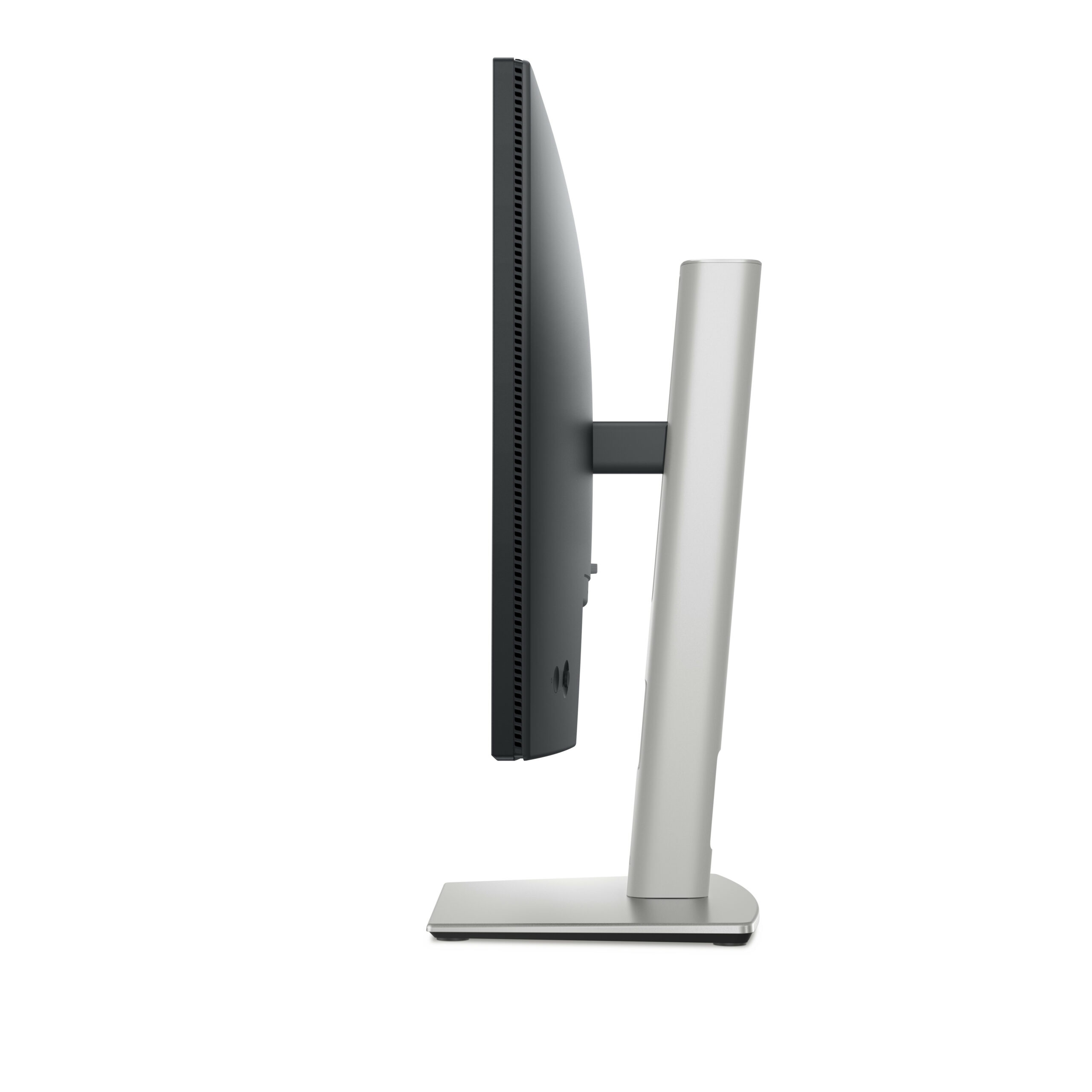
The P2425HE’s adjustable stand provides a comprehensive range of ergonomic positioning options to support long working hours comfortably.
- Height adjustment — up to 150mm of vertical travel
- Tilt — -5° to +21° for forward and backward screen angle adjustment
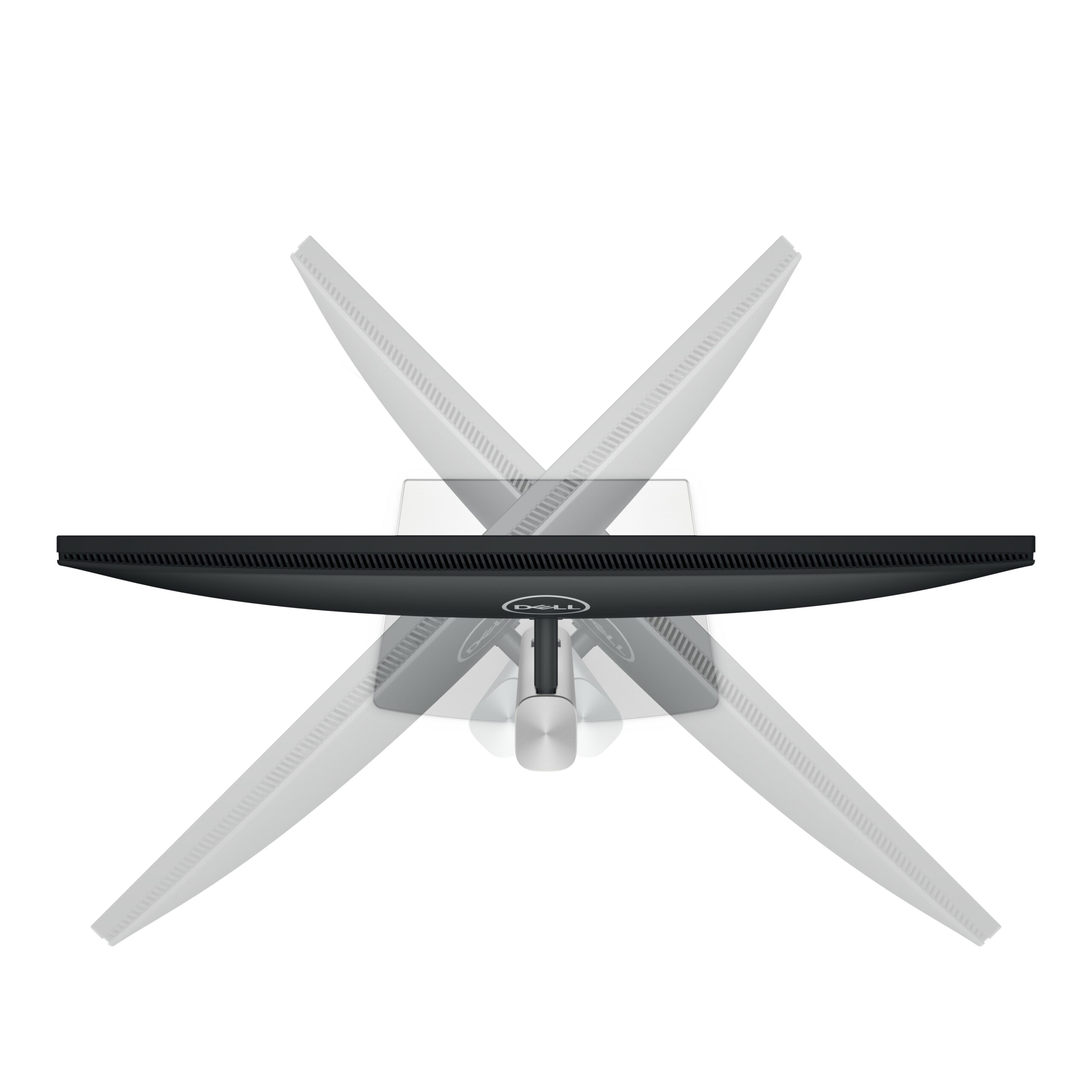
- Swivel — 45° left and right for flexible desk positioning
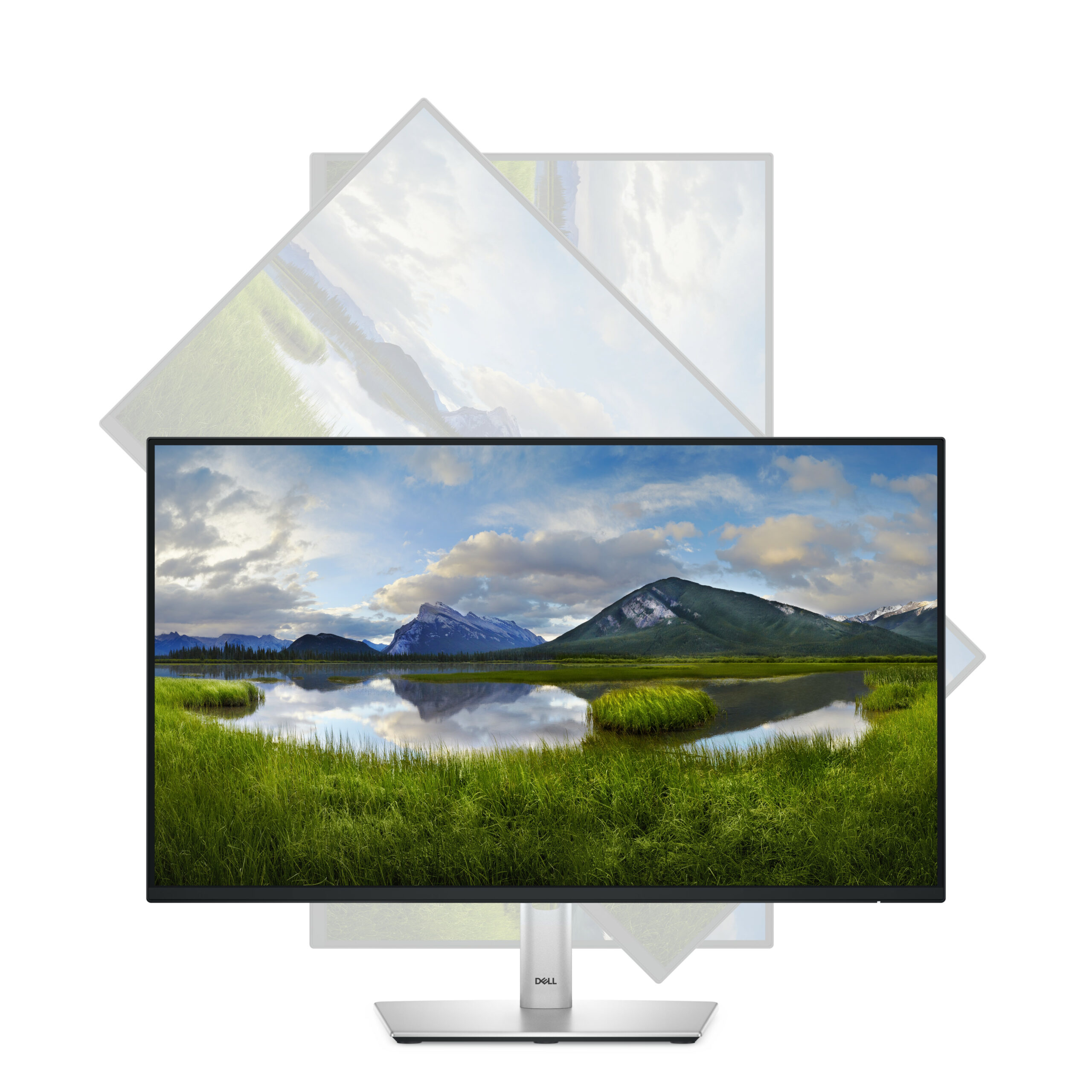
- Pivot — 90° rotation to portrait mode for document review, coding, and vertical content
- 100 × 100mm VESA compatibility for wall mounting or third-party monitor arm use
- Thin bezel design supports seamless multi-monitor tiling
Eye Comfort and Prolonged Use Features
Dell has equipped the P2425HE with eye care technologies designed to reduce fatigue during extended work sessions.
- Flicker-Free technology eliminates screen flicker across all brightness levels
- ComfortView Plus — built-in low blue light technology certified to reduce harmful blue light without compromising colour accuracy
- TÜV Rheinland certified for low blue light and flicker-free performance
- Adjustable brightness and contrast settings for personalised comfort
Ideal Use Cases
- Corporate and enterprise workstations — full-featured hub monitor for managed office environments
- Hybrid and remote workers — single USB-C cable setup for laptop users working from home or hot-desking
- Financial and legal professionals — accurate colour display with daisy chain support for multi-screen setups
- Software developers — pivot to portrait mode for reviewing long code files and documentation
- Creative professionals — Delta-E < 2 colour accuracy supports reliable colour-sensitive work
Warranty and Support
Dell backs the P2425HE with a 1-Year Advanced Exchange Service:
- Next-business-day replacement unit dispatched before the faulty unit is returned
- Dell Premium Panel Guarantee — free panel replacement within the first year for a single bright pixel defect
- Access to Dell’s business support portal and telephone support throughout the warranty period
Sustainability and Certifications
- EPEAT Gold registered — Dell’s highest environmental product rating
- ENERGY STAR certified — meets rigorous energy efficiency standards
- TCO Certified — independently verified for sustainability, ergonomics, and responsible manufacturing
- RoHS compliant — free from hazardous substances
- Chassis incorporates post-consumer recycled plastics
- Ships in 100% recyclable packaging made from sustainably sourced materials
Summary
| Feature | P2425HE |
|---|---|
| Panel Type | IPS |
| Resolution | Full HD 1920×1080 |
| Refresh Rate | 100 Hz |
| Colour Accuracy | Delta-E < 2 |
| Colour Coverage | 99% sRGB |
| USB-C PD | 90W |
| Ethernet | RJ-45 (via USB-C) |
| Daisy Chain | DisplayPort 1.4 Out |
| Ergonomics | Tilt, Swivel, Pivot, Height |
| Certifications | EPEAT Gold, TCO, ENERGY STAR |
| Warranty | 1 Years Advanced Exchange |
What’s in the Box
- Dell P2425HE Monitor
- Adjustable stand and base
- USB-C to USB-C cable
- DisplayPort cable
- Power cable
- Quick Setup Guide
- Safety and Regulatory Information

 No products in the cart.
Reviews
There are no reviews yet.